AI-Powered Features
Supercharge your workflow with AI
PromptAnvil integrates AI to streamline your creative process. From generating complete configurations to refining prompts, these features save time and improve quality.
Note: AI features are experimental and may not always produce perfect results. Review outputs carefully and adjust as needed.
Available AI Features
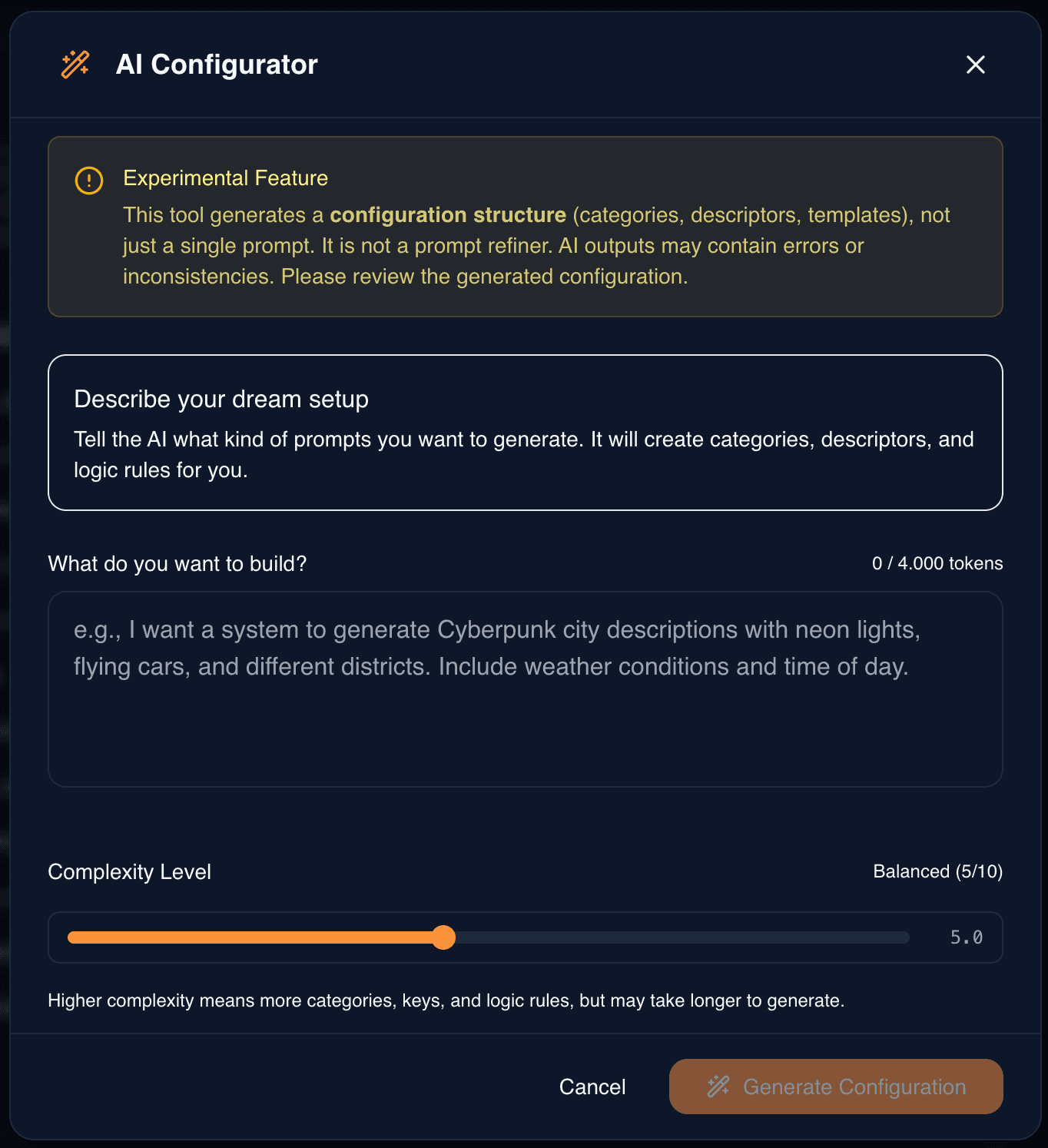
AI Configurator
Create complete configurations from scratch. Describe what you want, and AI generates categories, keys, templates, and logic rules tailored to your needs.
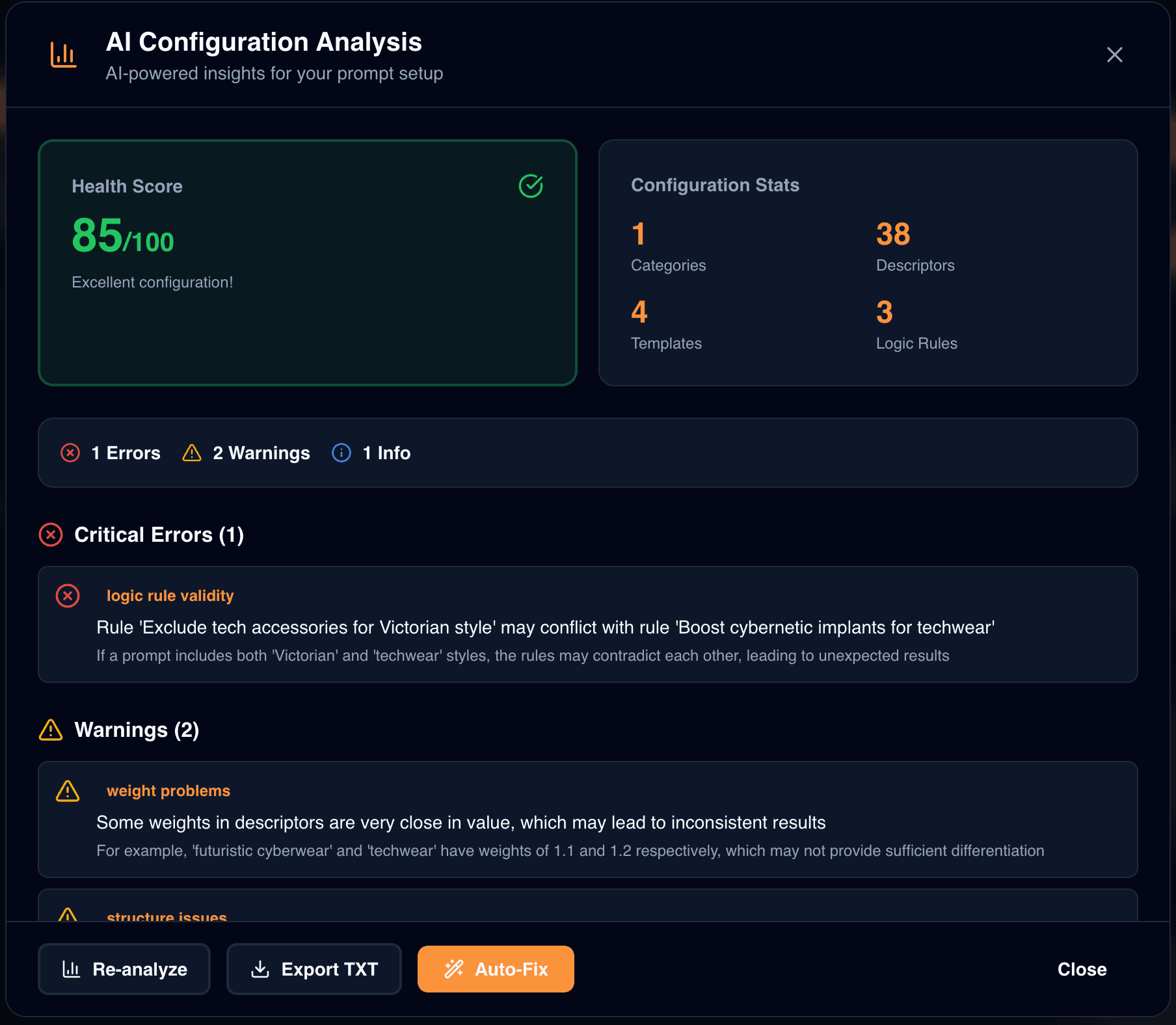
Configuration Analyzer
Analyzes your existing configuration to identify issues and suggest improvements. Get recommendations to optimize structure and quality.

Entry List Generator
Automatically generate diverse entries for your keys. Expand your options without manually brainstorming each value.
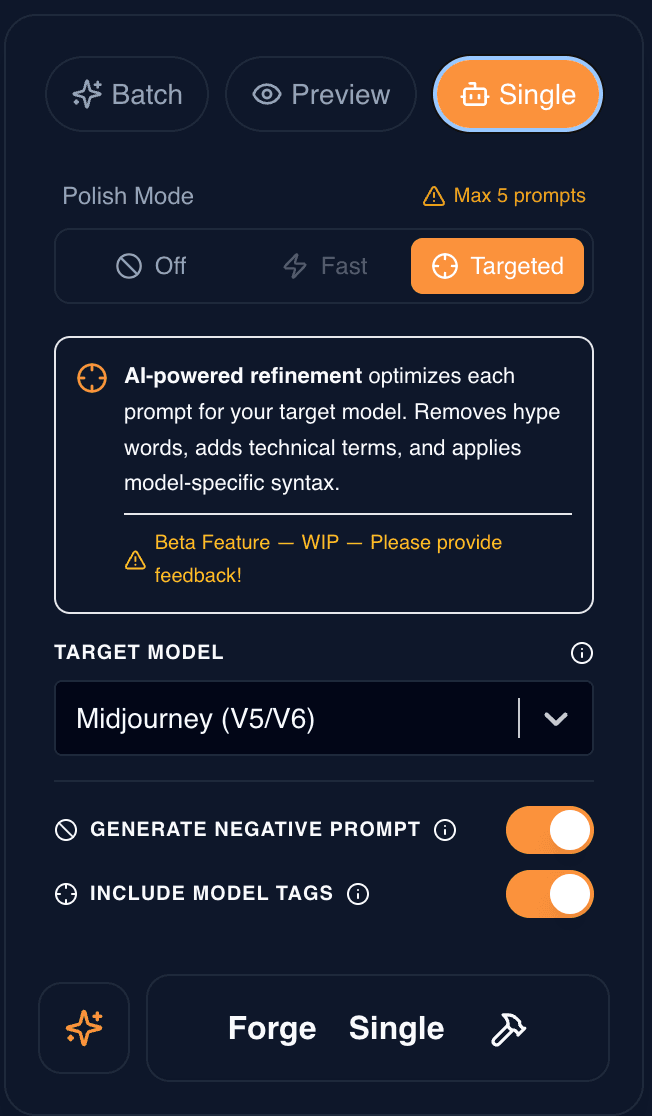
Prompt Refinement
Polish generated prompts for specific AI models like Midjourney or Stable Diffusion. Ensures prompts follow platform best practices.
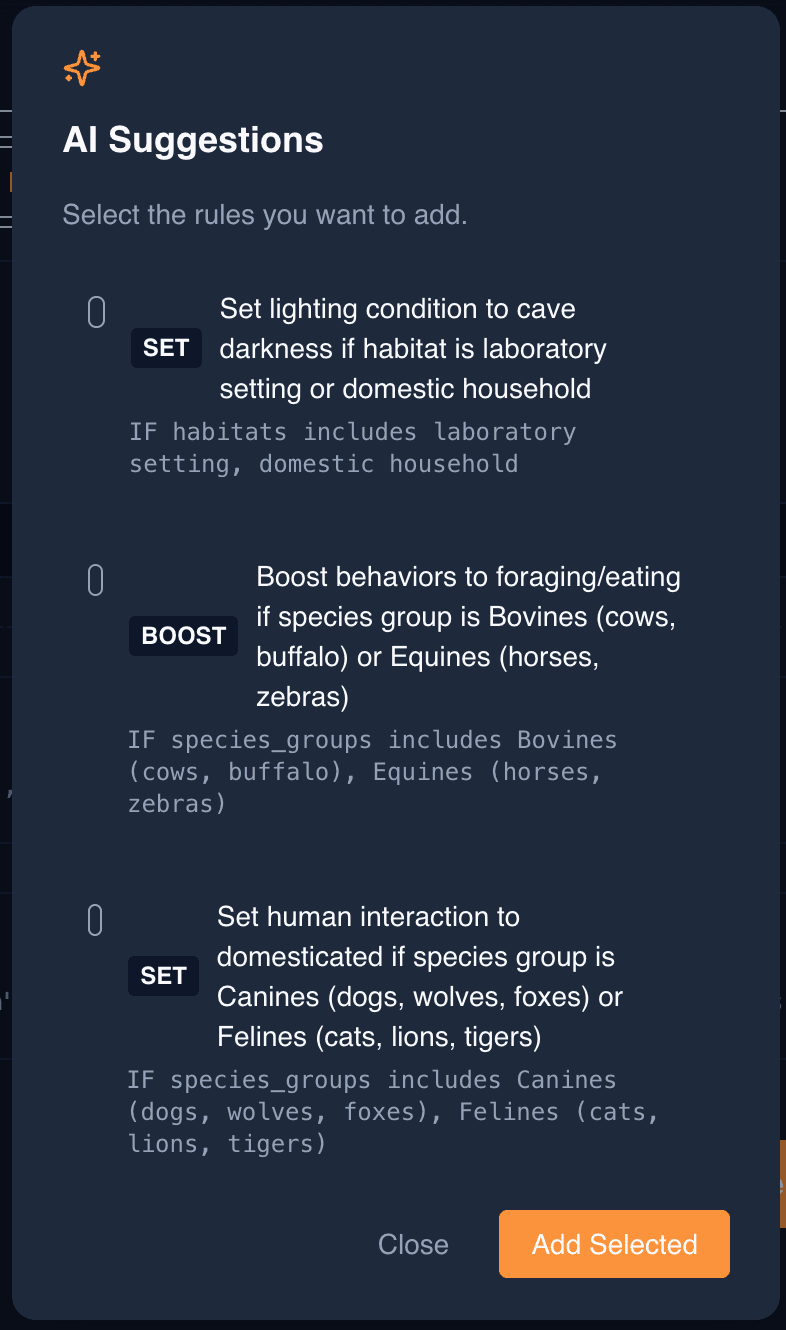
Logic Suggestions
Get intelligent logic rule recommendations based on your configuration. AI identifies potential contradictions and suggests fixes automatically.
Getting Started
Look for the AI buttons throughout the interface. Each feature is context-aware and appears where it's most useful.
Experiment freely—AI suggestions are just that: suggestions. You always have full control to accept, modify, or reject them.